“Every unfinished object in the studio seems to be waiting for permission to become useful.”
A single sentence with no settled structure behind it.
Thank you for celebrating one year of Artificial Milieu. The complimentary download window has closed, but Ways of Making is still available.
Open your files, choose an exercise from the book and try it on something you are working on.
Your receipt email contains a download link. The download is a ZIP file, which holds all the files together. Extract it using the instructions for your device below, then open START-HERE.MD to find the book.
Open the email sent after purchase and choose the download link.
Keep the extracted folder somewhere you can find again.
Then open your edition’s book and choose one situation from its contents.
Mac: open Downloads and double-click the ZIP. The extracted folder appears beside it.
Windows: right-click the ZIP, choose Extract All, then open the extracted folder.
iPhone or iPad: save the ZIP to Files, tap it once to extract it, then open the new folder.
Android: open Files, select the ZIP and choose Extract. The wording varies by device.
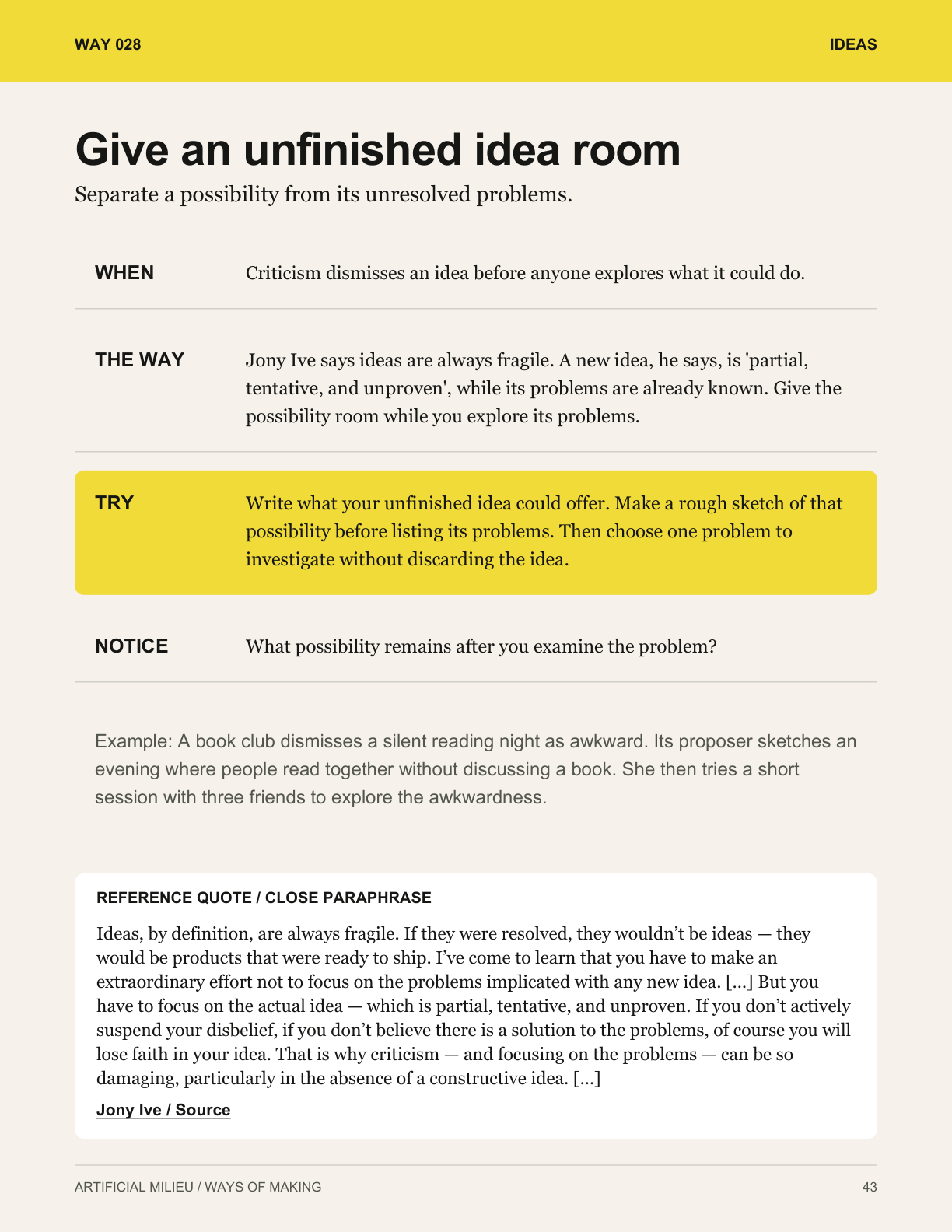
Each Way is a short exercise. In the book, choose a situation you recognise from the contents page. Read When to check it fits, The Way for the approach and Try for what to do. Afterwards, use Notice to reflect on what happened.
Here is an example using Way 028, “Give an unfinished idea room”. It starts with a rough essay opening: an interesting image, but no clear argument yet.
“Every unfinished object in the studio seems to be waiting for permission to become useful.”
A single sentence with no settled structure behind it.
Round one asked only what the sentence might become: an essay about permission, unfinished work and the false certainty of finished objects. Round two named what it lacked: a concrete object, a scene and a reason for the reader to care.
The image of an unfinished object waiting for permission. I discarded the broad claim about usefulness and made the next move specific: describe one abandoned prototype on the shelf.
Choose an unfinished piece: a paragraph, sketch or idea. Follow the exercise on the card, then write down what you want to keep and what you will do next. You can stop there.
The book is enough. Cards and AI files offer different ways into the Ways in your edition.
Ways-of-Making-Complete-cards.pdf.This example uses Way 028 from Ideas and Complete. Create a plain-text file called essay-opening.txt with the starting sentence above, then attach it with the instructions and Way file listed below. If your edition does not contain Way 028, choose one from your own book and use its matching reference file instead. Read the reply carefully and decide which suggestions help your work.
AI-INSTRUCTIONS.mdreferences/028.mdessay-opening.txtI am deciding whether to continue with a rough essay opening. Use Way 028, Give an unfinished idea room. Help me separate what it might become from what it currently lacks. Do not rewrite it for me.
For help with your order or the files, email support.